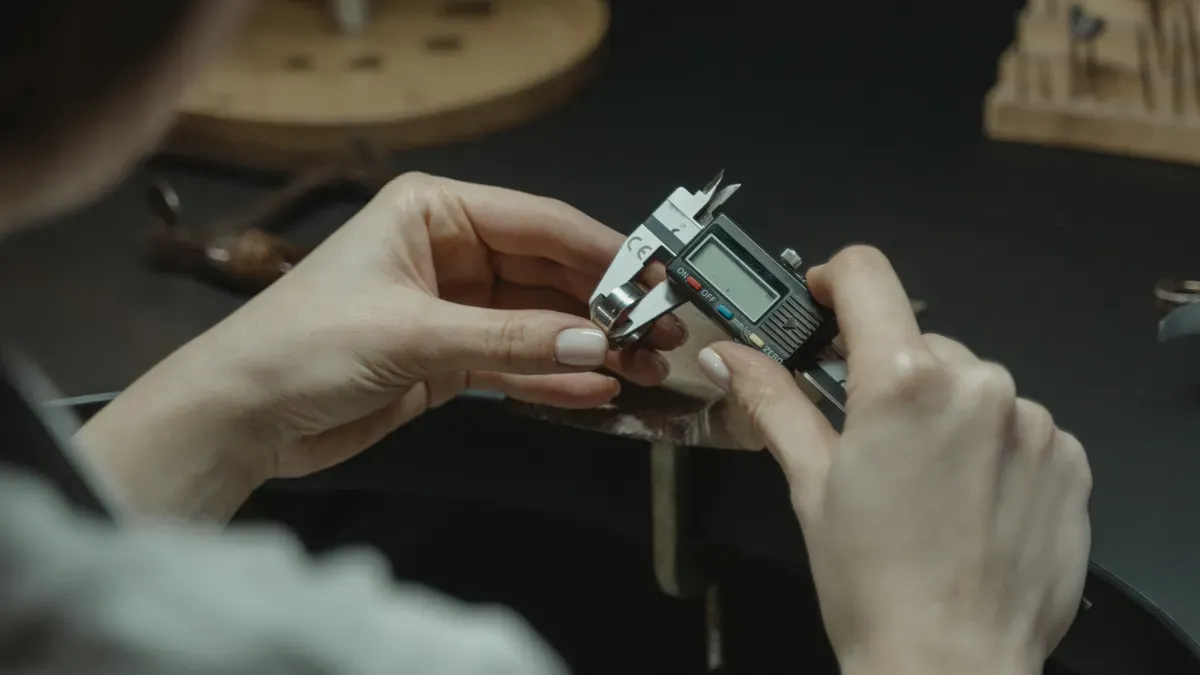
Launching new jewelry lines in 2026 takes speed. You also need very accurate shapes. Top professional jewelry CAD software helps you work fast. Tools like MatrixGold, Rhino 8, and 3Design work great. Modern programs use smart math and helpful AI to place stones easily, while connecting directly to casting houses. Automatic prong placement tools save a lot of time. Advanced CAD programs create perfect 3D mesh files that go straight to factory production.
At Perfect Jewelry, we build on this precision by taking your ideas from concept to reality. From initial CAD modeling to high-quality material sourcing and secure global shipping, we ensure every piece meets the highest standards. Make your jewelry business better today. Choose professional jewelry design for new product line development and harness high-performance creation engines to build your next collection with confidence.
New jewelry CAD software builds exact 3D models fast.
This helps you launch new collections much quicker.
Smart tools place gems and prongs very fast.
They save you many hours of hard design work.
Clean STL files stop 3D printing errors easily.
They also ensure smooth metal finishes every time.
You can send total digital files to production partners.
Sending files to Perfect Jewelry ensures smooth manufacturing.
Making a new jewelry collection takes great care. You must test modern software wisely. Good jewelry design tools speed up work. You get great results with precise programs.
History trees give you full design power. Change ring sizes or gems quickly. Adjust a whole jewelry line easily. The tool fixes shapes automatically. You do not rebuild from scratch.
Modern CAD platforms speed up design. Smart tools build fast pavé patterns. They place prongs automatically for you.
Smart tools space stones right away. They build halos around center gems.
Feature Category | Capabilities |
|---|---|
Gem Layout | Fast gem placement and gems on curves |
Prong & Setting | Dynamic halo tools and automatic prongs |
These features end boring manual work. You save many hours before manufacturing.
Clean meshes stop 3D printing mistakes. Good CAD tools make solid models. They export clean STL files easily. Precise files mean smooth metal surfaces. Physical jewelry matches digital designs perfectly.
Real picture tools make great ads. Create real images for early sales. Do this before making real metal. This helps studios test buyer demand early.
Picking great software changes your factory fast. Modern jewelry cad programs give strong speed. They bring accuracy to your lines. You make wild concepts quickly. You make market collections fast. Using professional jewelry design for new product line development grows work easily. Look below for great tools today.
MatrixGold leads collection work everywhere today. It uses top Rhino engine power. This tool brings ultimate accuracy. It gives special jewelry tools. Designers build ring shanks fast. They build settings in seconds.
MatrixGold keeps its top position using key tools:
Smart Gemstone System: It has a drag catalog. It holds over 15,000 gems.
Parametric Component Library: It changes designs live. You tweak settings easily. You edit shanks very fast.
Production-Ready Tools: It helps make physical items. It builds sprues automatically. It calculates exact metal weight.
Direct Manufacturing Integration: It exports directly to tools. It works with 3D printers. It connects to casting setups.
Rhino 8 offers total math accuracy. It makes perfect precise models. You shape smooth surfaces easily. ShrinkWrap helps you work fast. Jewelers love this cad tool.
Feature | Key Advantage for Jewelers |
|---|---|
SubD Modeling | It mixes soft shapes with math |
Grasshopper Engine | It writes code for collections |
You control every curve easily. The tool exports clear shapes. It makes no mesh errors.
3Design acts like top industrial tools. The software keeps history steps.
You change center stone sizes anytime. The tool moves prongs fast. It fixes halo sizes instantly. It updates finger sizes everywhere.
This fast recalculation saves many hours. It helps mass resizing work. You calculate metal weights quickly.
Blender gives strong 3D modeling. It costs zero subscription fees. The free JewelCraft add-on works well. It helps artists craft fast.
You get great jewelry tools. You distribute gems smoothly. You build prongs fast. You calculate mass values quickly. Studios create photorealistic renders easily inside.
Autodesk Fusion 360 brings cloud power. It brings solid model tools. You make mechanical clasps fast. You build complex metal hinges. You use exact tolerances.
The parametric history saves moves. You share files overseas quickly. Cloud storage makes it smooth.
ZBrush handles fine art details. It beats normal standard tools. You sculpt organic shapes easily. You sculpt floral patterns fast. It feels like real clay.
Digital Clay Mesh -> High-Density Detail -> Mesh Decimation -> Printing
You turn high-poly sculpts into files. The files print wax fast. Paired with cad, it helps. You gain total creative freedom.
JewelCAD stays popular in global hubs. The tool makes models fast. It speeds up casting work.
You make light metal easily. Simple surface tools help beginners. Non-technical users learn fast casting.
Jewelry CAD Dream uses hybrid power. It manages history steps easily. Built on strong engines, it works. It stops file errors quickly.
You change gem sizes easily. Surface curves stay totally intact. The tool builds molds automatically.
CounterSketch sells pieces super fast. Retailers build custom rings easily. They work directly with buyers.
CounterSketch helps store sales using these features:
Interactive Customer Engagement: Clients build pieces on store floors. They use flat screens together.
Drastic Labor Reduction: It replaces hard torch work. Digital tools reduce bench tasks. You just set gems into castings.
Instant Visual Validation: It creates clear high-definition renders. Clients see rings on hands.
Streamlined Workflow: It saves files very easily. Jewelers text preview renders later.
Shapr3D changes how mobile teams model. You build professional concepts fast. You use modern tablets anywhere.
Shapr3D founder Csanady notes jewelers use it. The app combines Parasolid power. It uses HOOPS Exchange engines. It uses iPad touch precision. You get desktop CAD power on tablets.
Shapr3D gives clear benefits for teams:
Location-Independent Workflow: Designers leave old desktop setups behind. They build models anywhere freely.
Mobile Hardware Integration: It uses Apple Pencil power. iPad tools build prototypes fast.
You model physical prototypes quickly. You export print files fast. These top 10 jewelry cad programs help you scale collections fast.
Picking tools changes budgets. It controls timeline goals. Test special software first. Compare generic tools early. Do this before launching.
Generic apps cost less. Some offer free code. Specialized jewelry software costs more. They need subscription fees. Dedicated platforms include catalogs. They build ring shanks. They calculate metal mass.
Specialized tools save power. They use smart curves.
Basic programs need heavy RAM. They demand fast cards. Specialized tools run easily. Standard computers handle them. You save hardware cash. You buy real metal.
Basic tools force manual tasks. You build prongs slowly. Manual moves waste time. Early design phases drag.
Software Type | Setup Speed | Gem Placement | Production Readiness |
|---|---|---|---|
Generic 3d | Slow | Manual | High Editing Effort |
Specialized Tools | Fast | Automatic | Instant Printing Files |
Specialized tools speed output. You place gems fast. Change sizes instantly. Dedicated platforms skip tasks. You ship collections fast.
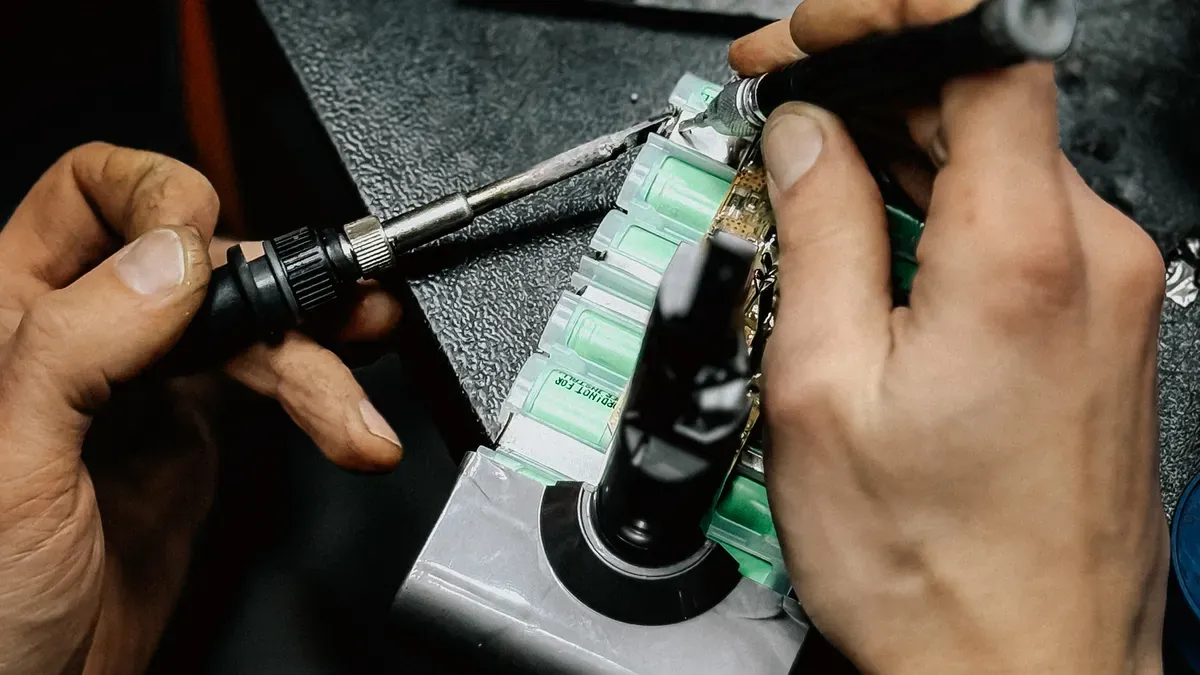
Digital design turns into real items. Making custom cad models takes precision.
Modern 3d printers need watertight meshes. They make flawless wax patterns. You must fix bad edges first. Fix them before exporting files.
Action / Feature | Category | Mechanism / Functionality |
|---|---|---|
Identify Non-Manifold Edges | Detection | It finds missing mesh gaps. |
Close and Heal Segments | Fix | It seals small holes automatically. |
Netfabb software repairs mesh errors fast. Clean files stop printer mistakes.
Hot metal shrinks during casting. Calculate precise tolerances for size changes. Keep stone seat depths small. Stay under 0.35 mm deep. This keeps materials strong.
Add 0.15 mm wall space. Stones vary by ±0.1 mm. Use a 0.1 mm fit. It ensures easy hand assembly. Precise digital sizes protect gems. They stop setting cracks.
Perfect Jewelry makes custom jewelry easily. Our custom jewelry program handles production. We maintain strict quality control. ????
Design & 3D Modeling: We change sketches to models.
Mould & Wax Preparation: Experts make wax patterns.
Casting & Assembly: Machines cast metals safely. Jewelers assemble pieces.
Gemstone Sourcing & Setting: We get fine gems. We set stones precisely.
Visual Services & Logistics: We take product photos. Safe shipping delivers custom jewelry.
Partner with Perfect Jewelry today. Launch your new line. Work with complete confidence.
Pick great software. Match your budget. Consider your team size. Think about your technical needs. Parametric suites speed up ring resizing. Sculpting tools add unique details.
Smart parametric engines boost work speed. Sculpting tools give deep creative freedom.
Using top jewelry design software brings great rewards. Send your CAD files to Perfect Jewelry. Our expert team builds real jewelry. We turn creative ideas into market wins.
You learn basic tools in weeks. Good training helps you learn faster. Daily practice builds your skills quickly.
Export clean STL files for wax printers. Sealed models stop casting errors. They keep fine details safe.
Smart programs measure digital space automatically. Pick metals like gold or platinum. The tool shows total weight. This helps control metal costs.
???? Pro Tip: Check metal settings to calculate exact costs before casting.
Perfect Jewelry turns digital files into real items. You get fine gems quickly. We check quality carefully. We ship custom jewelry safely.


 EN
EN
 English
  Italian
  Spanish
  Ukrainian
  Japanese
  Norwegian
  Portuguese
  Korean
  Russian
  French
  Danish
  German
  Arabic
  Back to List